Beauty Clean, a contact sheet for the retouching bench
The base before the work.
Beauty Clean is a set of skin bases for beauty and editorial portraits: bright, even, nothing plastic. Apply one in the free Lightroom app on iPhone and Android, or in Lightroom Classic, then start retouching.
For beauty and editorial retouchers who want a clean high-key base before the real work begins.
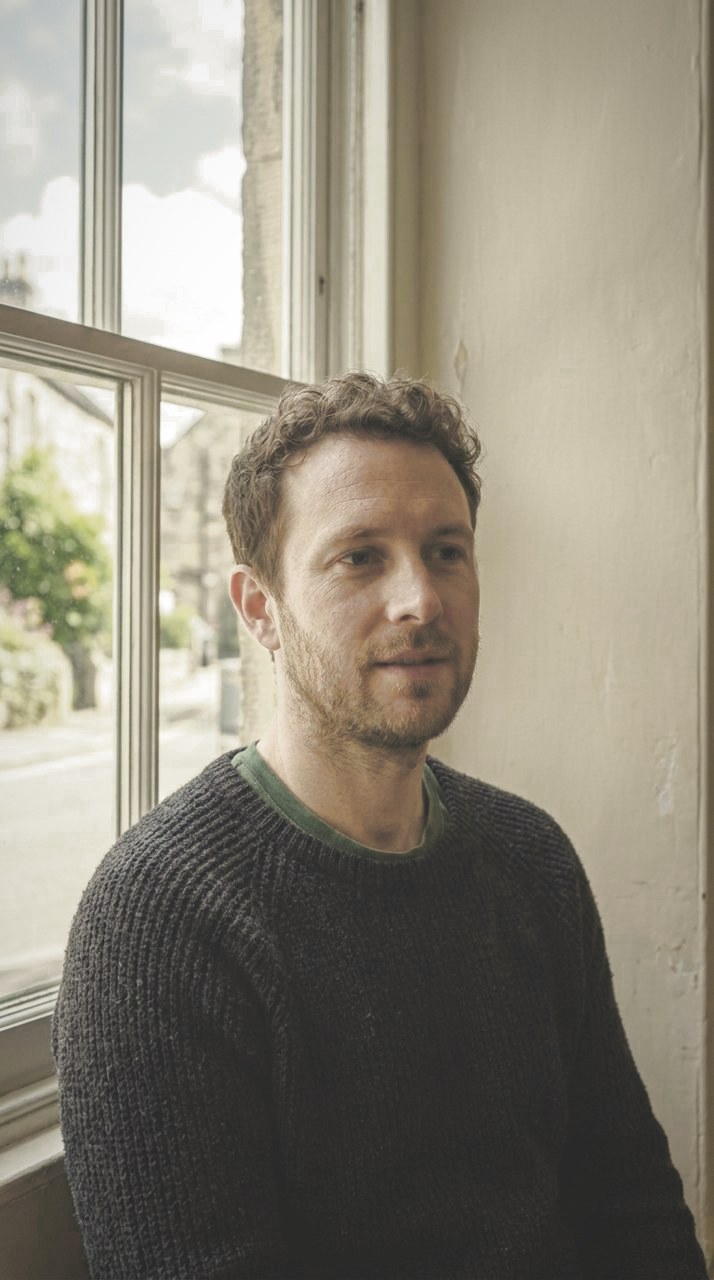
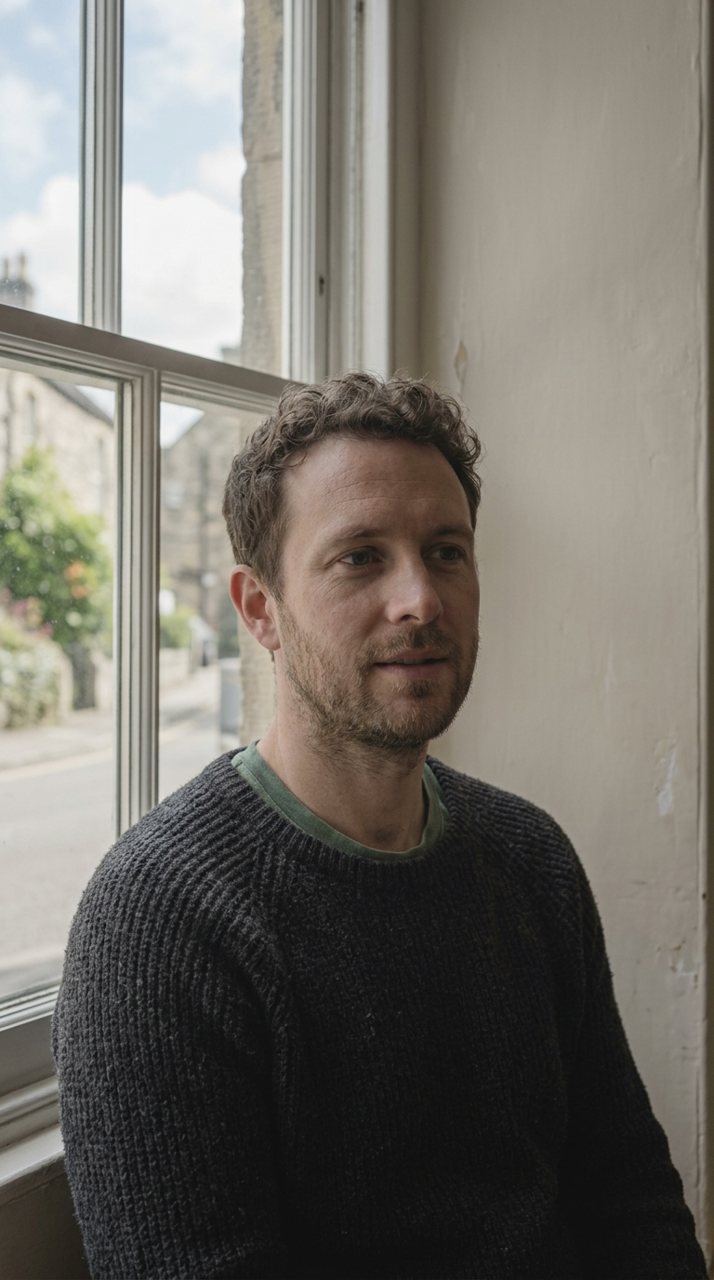
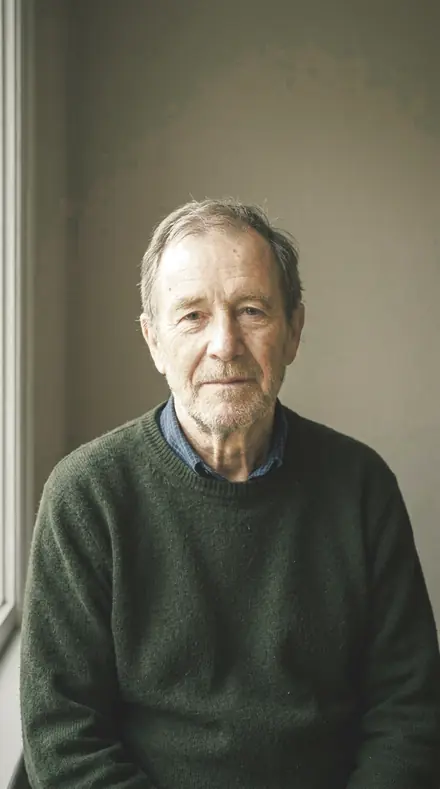

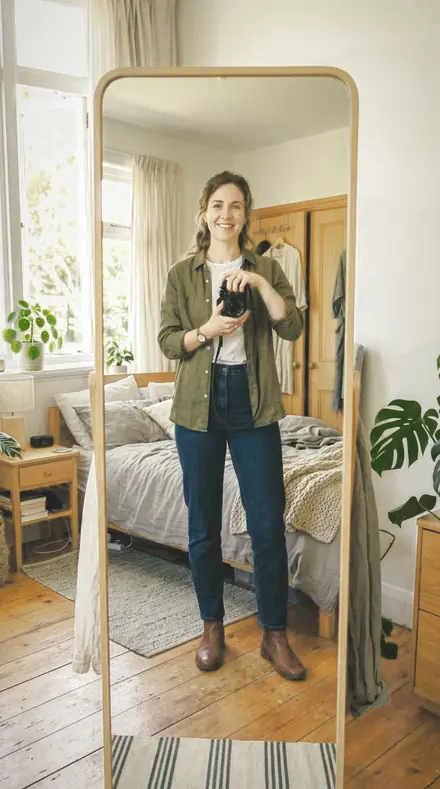
the sheet
The Sheet
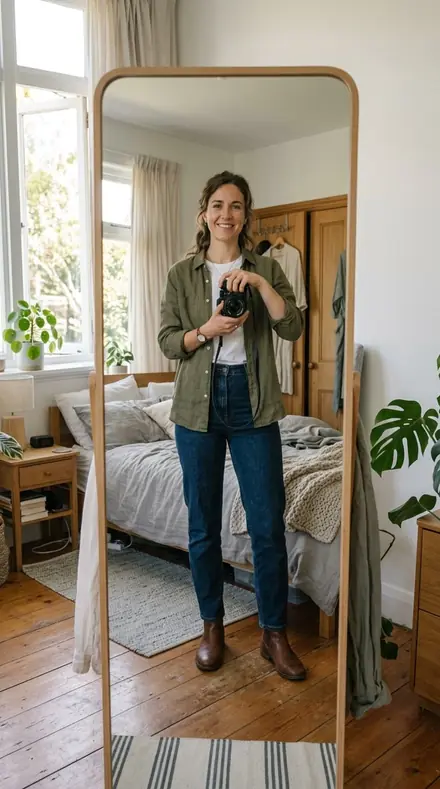
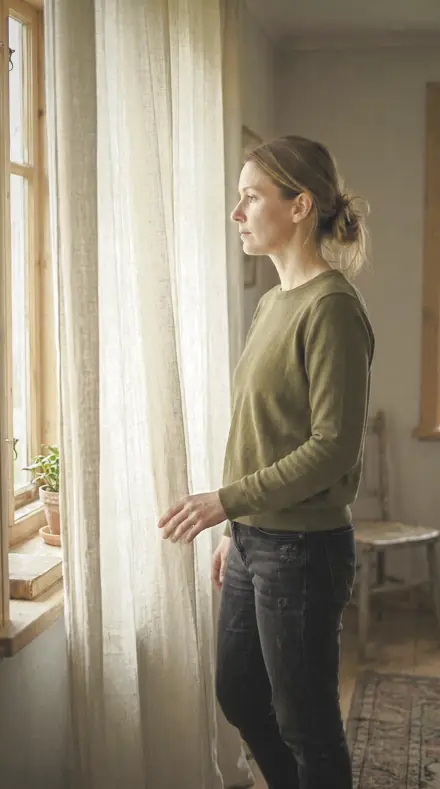
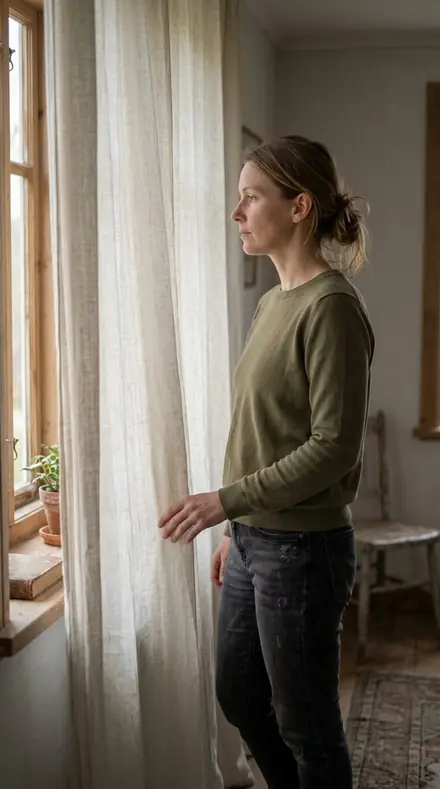
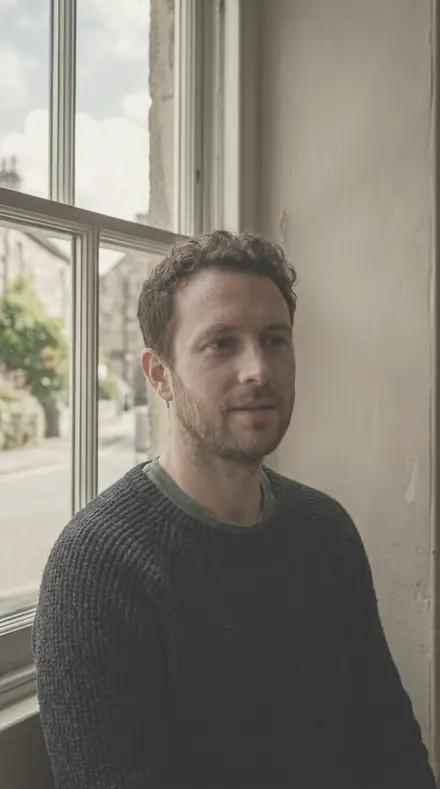
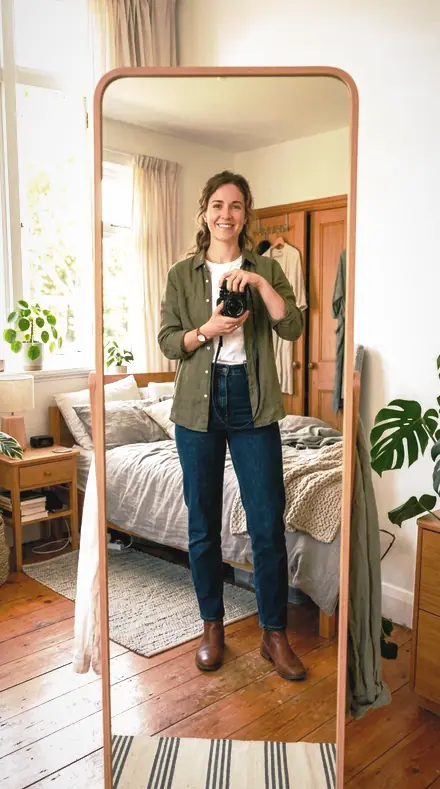
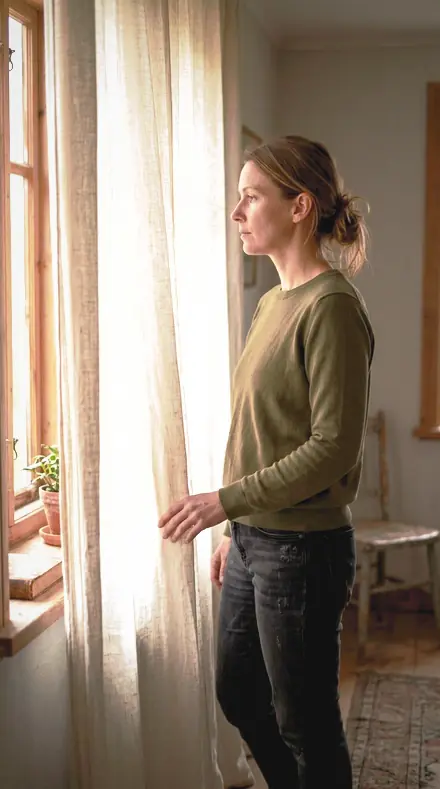
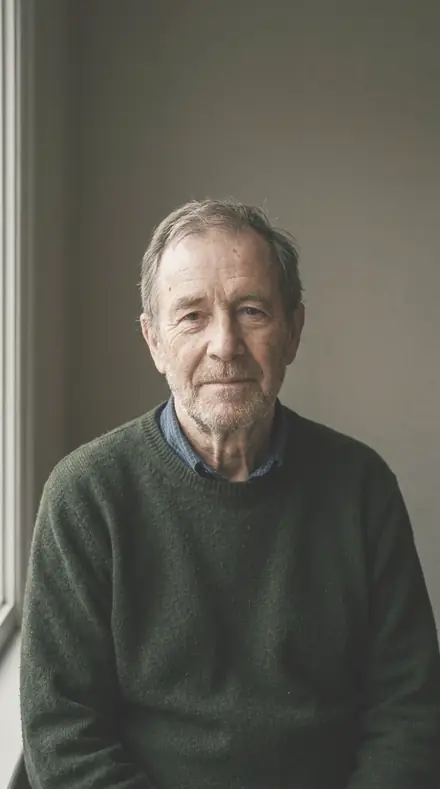
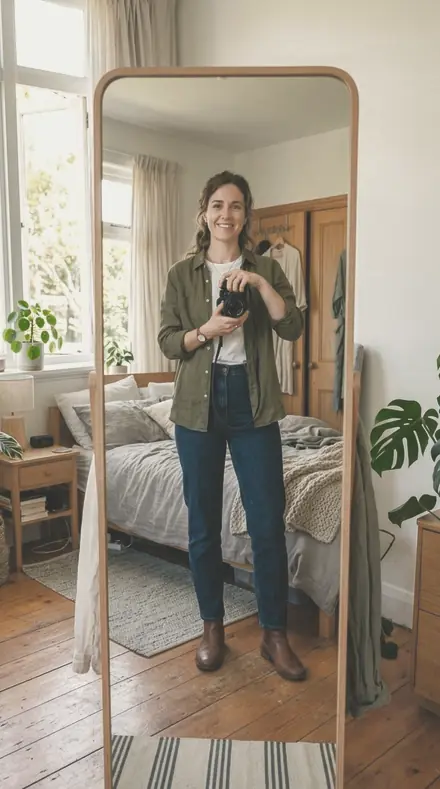
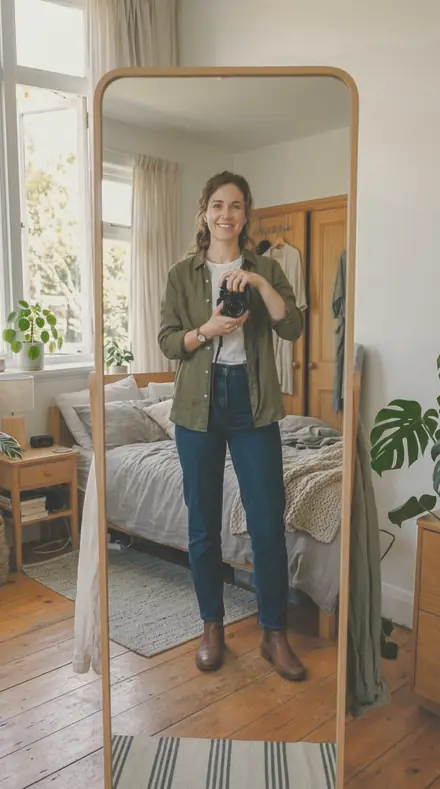
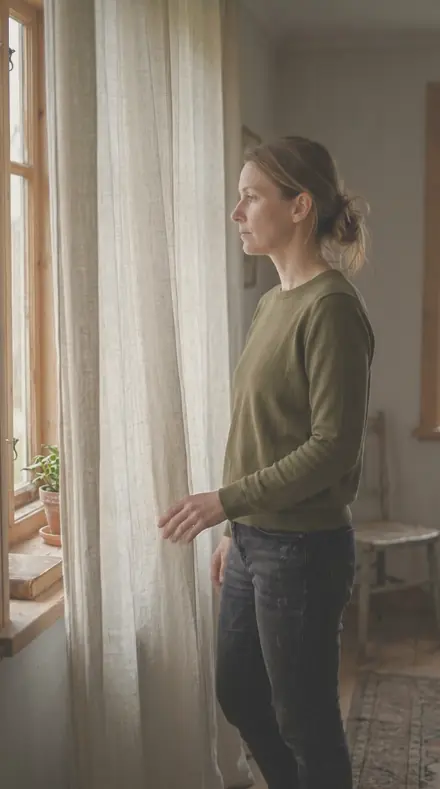
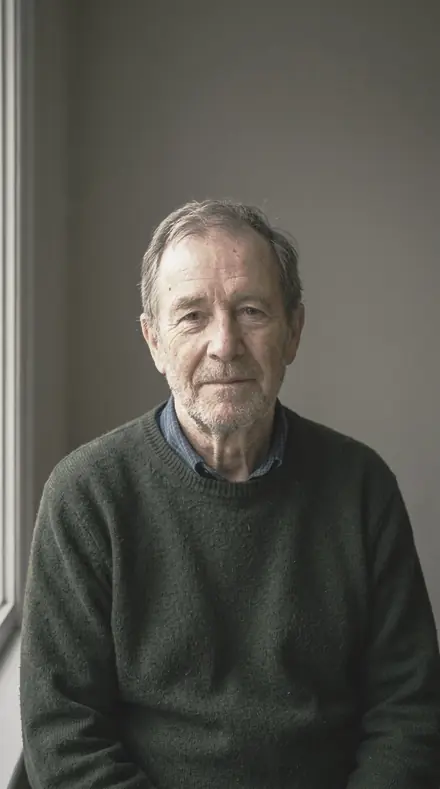
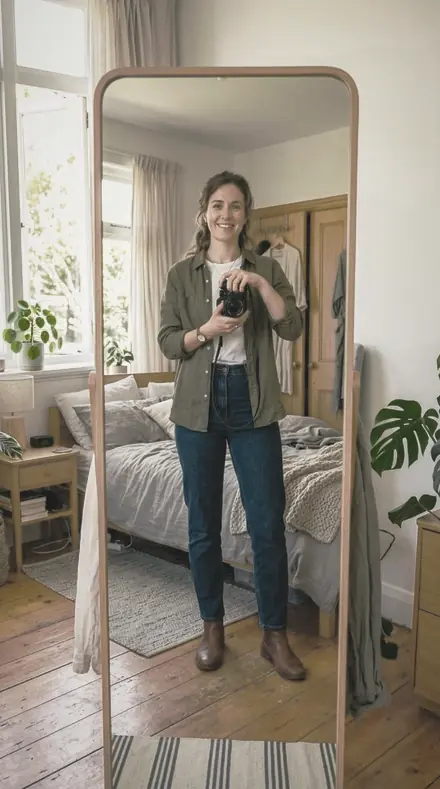
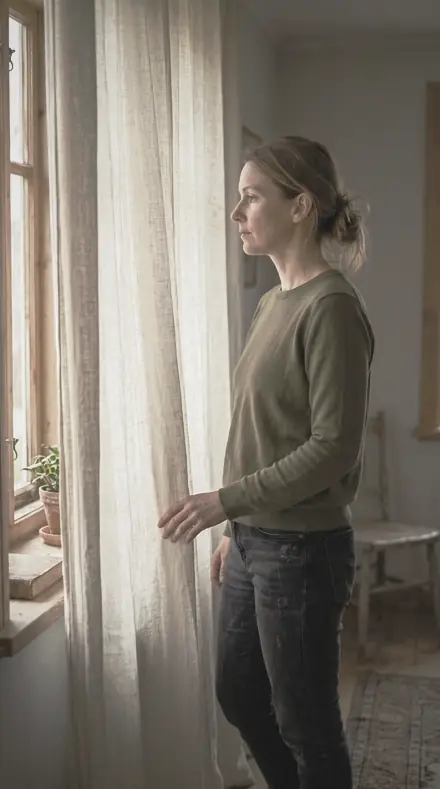
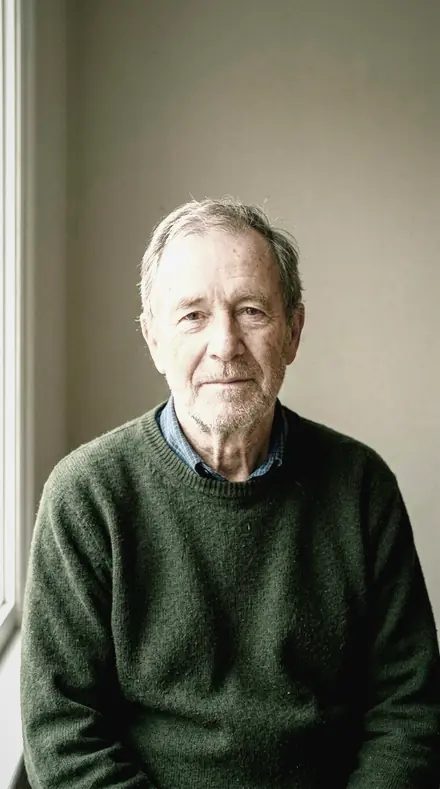
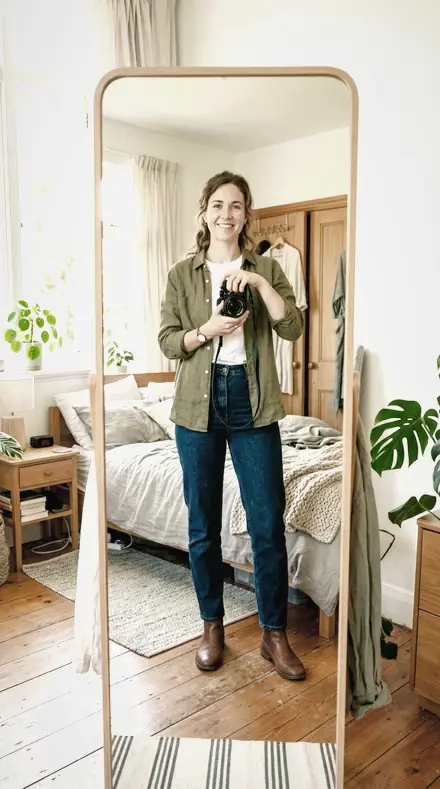
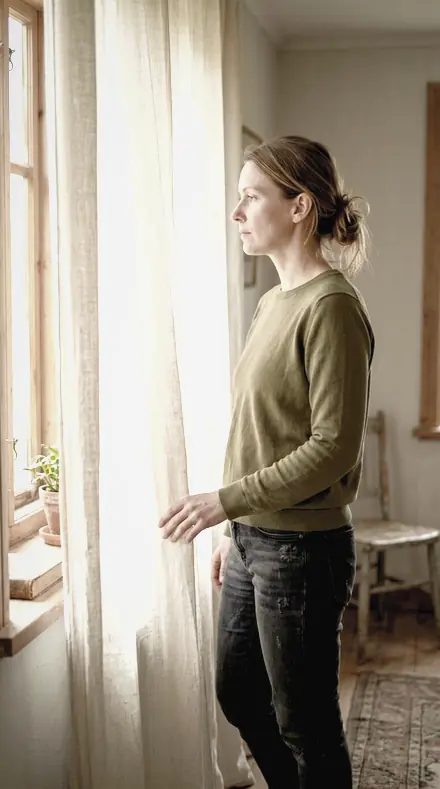
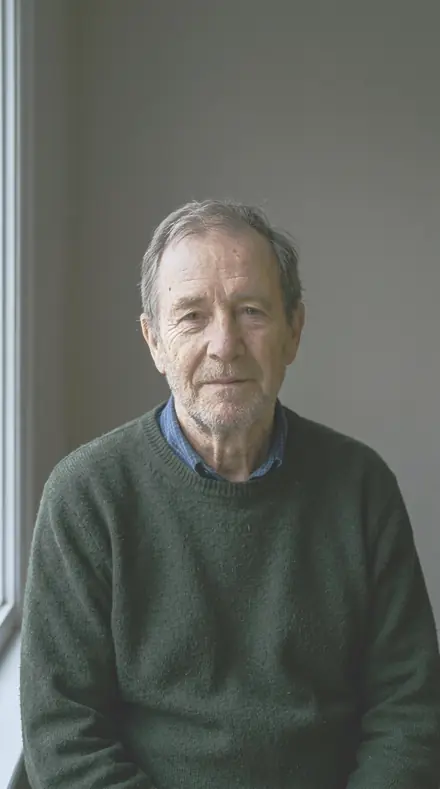
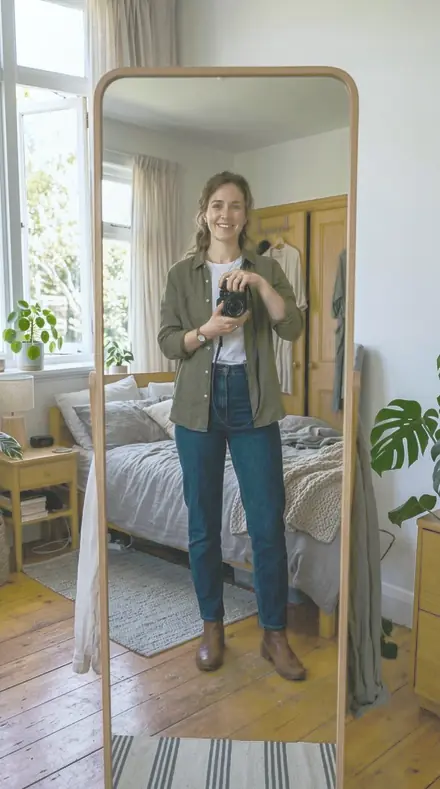
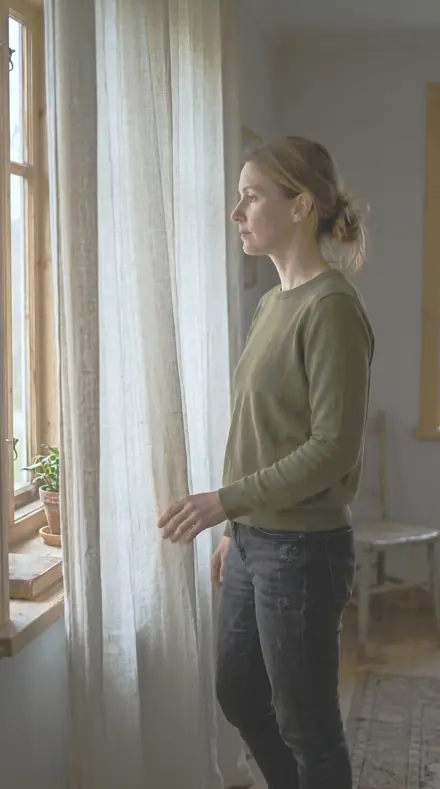
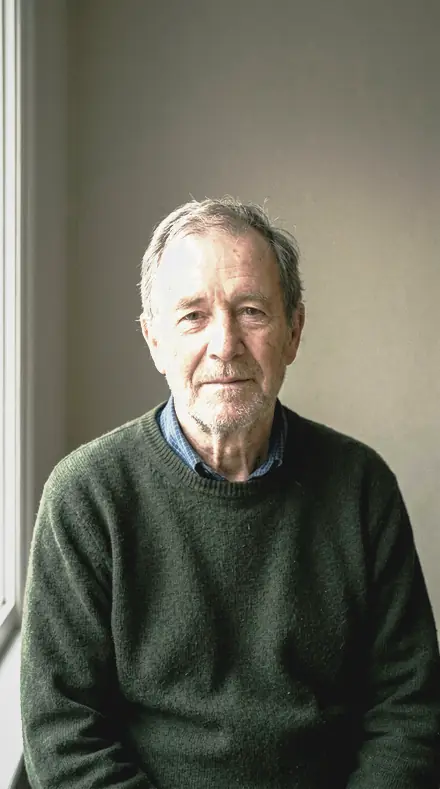
Every base on the same four faces, so you can see what each one does to skin before you commit a sitting to it.
Base
6 presetsThe starting points. Everyday, gentle, or the heavy clean-up for a file that arrived hard.
 frame 03Studio Beautythe everyday starting point for a beauty file: skin smooth and a little firmer in tone, never plastic
![Studio Beauty applied to Side light, skin evened]()
![Before: Side light, skin evened]()
Side light, skin evened ![Studio Beauty applied to A face, base applied]()
![Before: A face, base applied]()
A face, base applied ![Studio Beauty applied to The mirror, high key]()
![Before: The mirror, high key]()
The mirror, high key ![Studio Beauty applied to Curtain light, kept clean]()
![Before: Curtain light, kept clean]()
Curtain light, kept clean Drag the handle. Left is the original, right is Studio Beauty. Rendered from the preset's own settings, not a Lightroom export, so the real thing carries a little more bite.
 frame 05Polished Skinthe deepest tones stay where they were shot, so the smoothing never tips over into a flat, printed look
![Polished Skin applied to Side light, skin evened]()
![Before: Side light, skin evened]()
Side light, skin evened ![Polished Skin applied to A face, base applied]()
![Before: A face, base applied]()
A face, base applied ![Polished Skin applied to The mirror, high key]()
![Before: The mirror, high key]()
The mirror, high key ![Polished Skin applied to Curtain light, kept clean]()
![Before: Curtain light, kept clean]()
Curtain light, kept clean Drag the handle. Left is the original, right is Polished Skin. Rendered from the preset's own settings, not a Lightroom export, so the real thing carries a little more bite.
 frame 09Clear Complexiontone flattened slightly so a cover frame can carry type across the face without the letters fighting the skin
![Clear Complexion applied to Side light, skin evened]()
![Before: Side light, skin evened]()
Side light, skin evened ![Clear Complexion applied to A face, base applied]()
![Before: A face, base applied]()
A face, base applied ![Clear Complexion applied to The mirror, high key]()
![Before: The mirror, high key]()
The mirror, high key ![Clear Complexion applied to Curtain light, kept clean]()
![Before: Curtain light, kept clean]()
Curtain light, kept clean Drag the handle. Left is the original, right is Clear Complexion. Rendered from the preset's own settings, not a Lightroom export, so the real thing carries a little more bite.
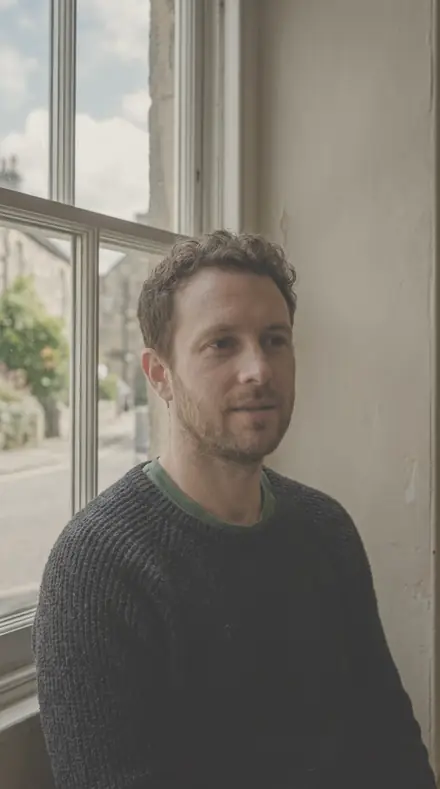 frame 11Glossy Pagethe gentlest touch in the collection, meant for a file that has already been retouched and needs only a page finish
![Glossy Page applied to Side light, skin evened]()
![Before: Side light, skin evened]()
Side light, skin evened ![Glossy Page applied to A face, base applied]()
![Before: A face, base applied]()
A face, base applied ![Glossy Page applied to The mirror, high key]()
![Before: The mirror, high key]()
The mirror, high key ![Glossy Page applied to Curtain light, kept clean]()
![Before: Curtain light, kept clean]()
Curtain light, kept clean Drag the handle. Left is the original, right is Glossy Page. Rendered from the preset's own settings, not a Lightroom export, so the real thing carries a little more bite.
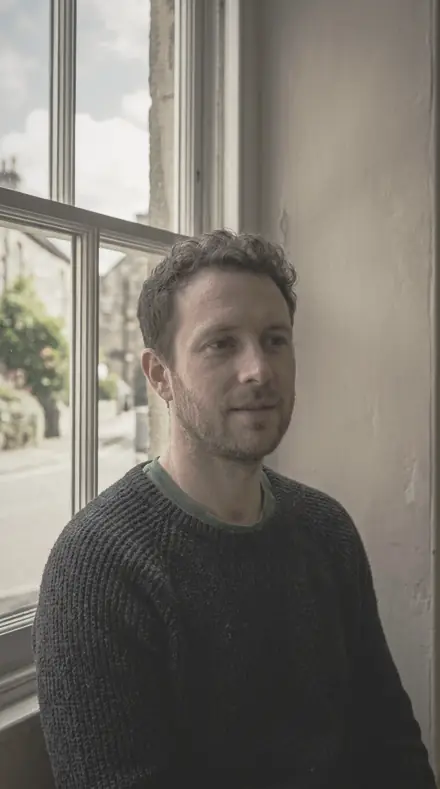 frame 16Magazine Lighta heavy clean-up for a file that arrived hard and punchy and has to look effortless on the page
![Magazine Light applied to Side light, skin evened]()
![Before: Side light, skin evened]()
Side light, skin evened ![Magazine Light applied to A face, base applied]()
![Before: A face, base applied]()
A face, base applied ![Magazine Light applied to The mirror, high key]()
![Before: The mirror, high key]()
The mirror, high key ![Magazine Light applied to Curtain light, kept clean]()
![Before: Curtain light, kept clean]()
Curtain light, kept clean Drag the handle. Left is the original, right is Magazine Light. Rendered from the preset's own settings, not a Lightroom export, so the real thing carries a little more bite.
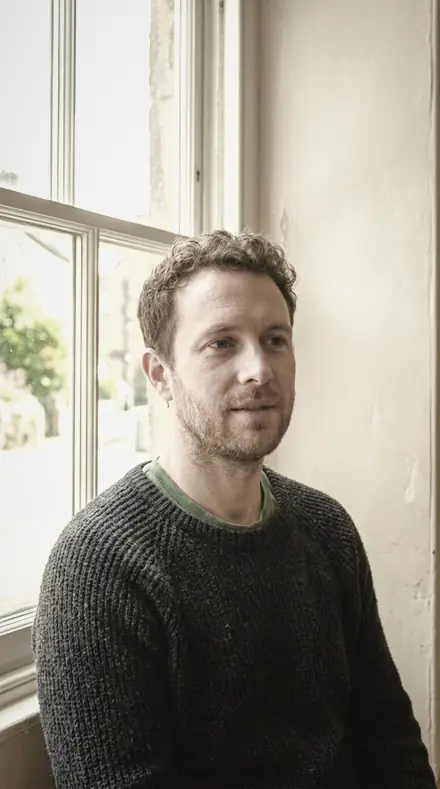 frame 18Clean Gradientthe shadow side of a close crop smoothed of grain, so the fall-off across the cheek reads as one clean gradient
![Clean Gradient applied to Side light, skin evened]()
![Before: Side light, skin evened]()
Side light, skin evened ![Clean Gradient applied to A face, base applied]()
![Before: A face, base applied]()
A face, base applied ![Clean Gradient applied to The mirror, high key]()
![Before: The mirror, high key]()
The mirror, high key ![Clean Gradient applied to Curtain light, kept clean]()
![Before: Curtain light, kept clean]()
Curtain light, kept clean Drag the handle. Left is the original, right is Clean Gradient. Rendered from the preset's own settings, not a Lightroom export, so the real thing carries a little more bite.

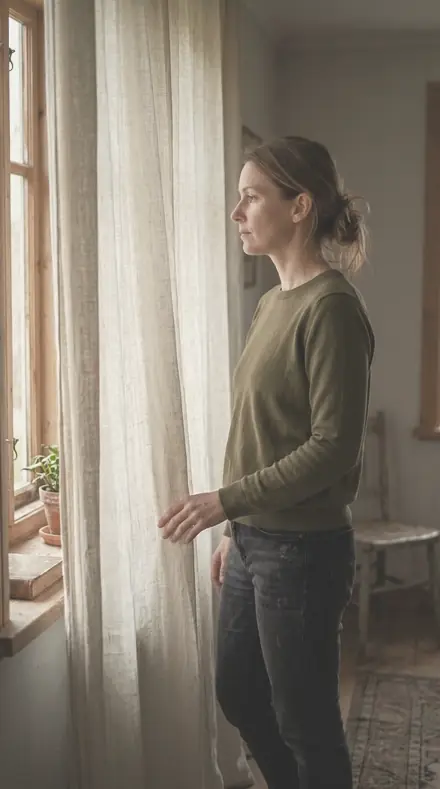

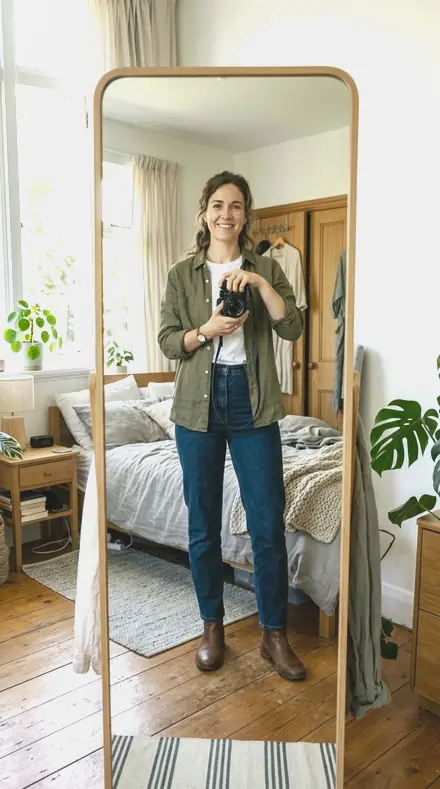
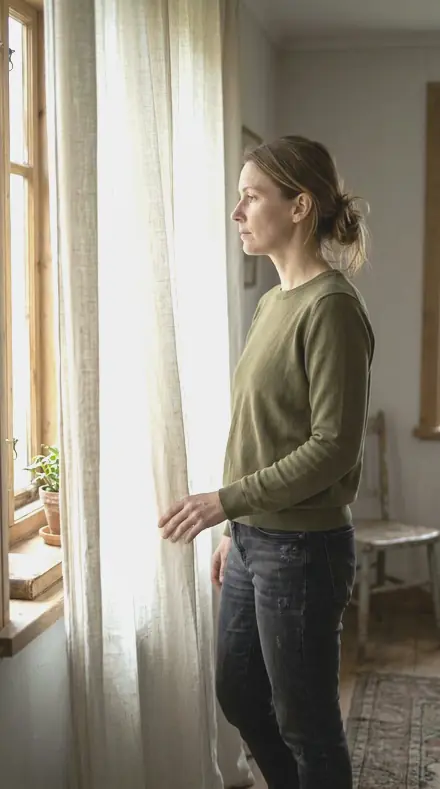
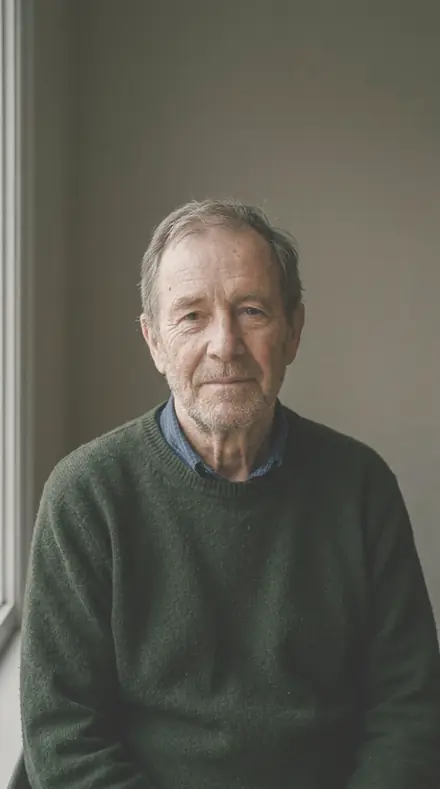
Lift
6 presetsSkin taken up toward white paper, from a clamshell match to a full-page close crop.
 frame 01Silk Tonethe face lifted into a bright, even page, skin glowing a shade lighter than it was shot while the set behind it falls to clean white
![Silk Tone applied to Side light, skin evened]()
![Before: Side light, skin evened]()
Side light, skin evened ![Silk Tone applied to A face, base applied]()
![Before: A face, base applied]()
A face, base applied ![Silk Tone applied to The mirror, high key]()
![Before: The mirror, high key]()
The mirror, high key ![Silk Tone applied to Curtain light, kept clean]()
![Before: Curtain light, kept clean]()
Curtain light, kept clean Drag the handle. Left is the original, right is Silk Tone. Rendered from the preset's own settings, not a Lightroom export, so the real thing carries a little more bite.
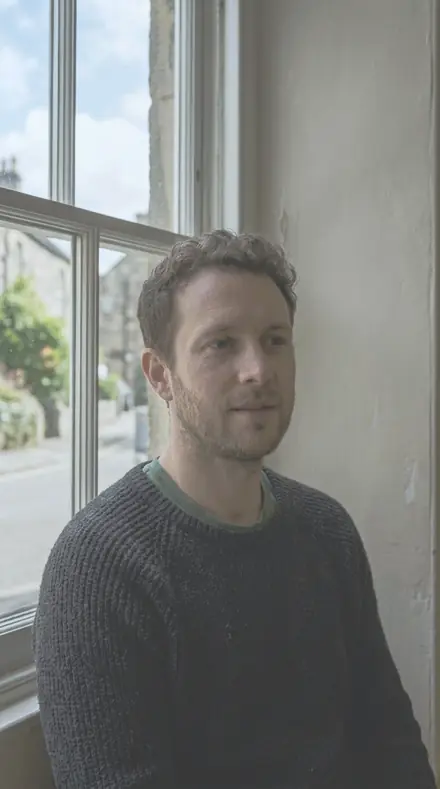 frame 04Refined Skinthe shadow side of the face opened right up to match a clamshell setup, both cheeks reading at the same brightness
![Refined Skin applied to Side light, skin evened]()
![Before: Side light, skin evened]()
Side light, skin evened ![Refined Skin applied to A face, base applied]()
![Before: A face, base applied]()
A face, base applied ![Refined Skin applied to The mirror, high key]()
![Before: The mirror, high key]()
The mirror, high key ![Refined Skin applied to Curtain light, kept clean]()
![Before: Curtain light, kept clean]()
Curtain light, kept clean Drag the handle. Left is the original, right is Refined Skin. Rendered from the preset's own settings, not a Lightroom export, so the real thing carries a little more bite.
 frame 06Even Complexionthe set brightened until white paper reads as white rather than cream, and the skin follows it up
![Even Complexion applied to Side light, skin evened]()
![Before: Side light, skin evened]()
Side light, skin evened ![Even Complexion applied to A face, base applied]()
![Before: A face, base applied]()
A face, base applied ![Even Complexion applied to The mirror, high key]()
![Before: The mirror, high key]()
The mirror, high key ![Even Complexion applied to Curtain light, kept clean]()
![Before: Curtain light, kept clean]()
Curtain light, kept clean Drag the handle. Left is the original, right is Even Complexion. Rendered from the preset's own settings, not a Lightroom export, so the real thing carries a little more bite.
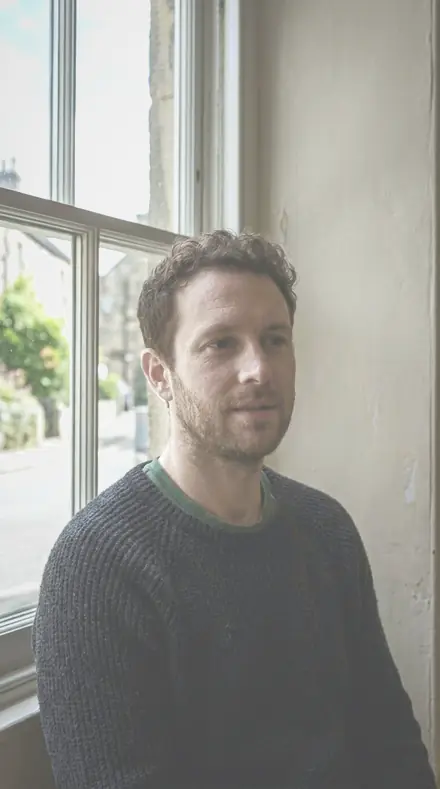 frame 07Fine Skinthe strongest smoothing and lift in the collection, made for an editorial cover where the skin fills the page
![Fine Skin applied to Side light, skin evened]()
![Before: Side light, skin evened]()
Side light, skin evened ![Fine Skin applied to A face, base applied]()
![Before: A face, base applied]()
A face, base applied ![Fine Skin applied to The mirror, high key]()
![Before: The mirror, high key]()
The mirror, high key ![Fine Skin applied to Curtain light, kept clean]()
![Before: Curtain light, kept clean]()
Curtain light, kept clean Drag the handle. Left is the original, right is Fine Skin. Rendered from the preset's own settings, not a Lightroom export, so the real thing carries a little more bite.
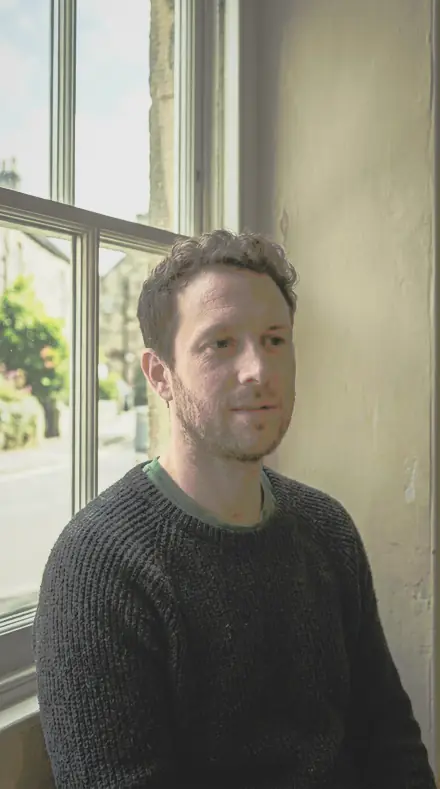 frame 08Clean Whitesmoothing and brightness together for a full-page close crop, skin pale and continuous from brow to chin
![Clean White applied to Side light, skin evened]()
![Before: Side light, skin evened]()
Side light, skin evened ![Clean White applied to A face, base applied]()
![Before: A face, base applied]()
A face, base applied ![Clean White applied to The mirror, high key]()
![Before: The mirror, high key]()
The mirror, high key ![Clean White applied to Curtain light, kept clean]()
![Before: Curtain light, kept clean]()
Curtain light, kept clean Drag the handle. Left is the original, right is Clean White. Rendered from the preset's own settings, not a Lightroom export, so the real thing carries a little more bite.
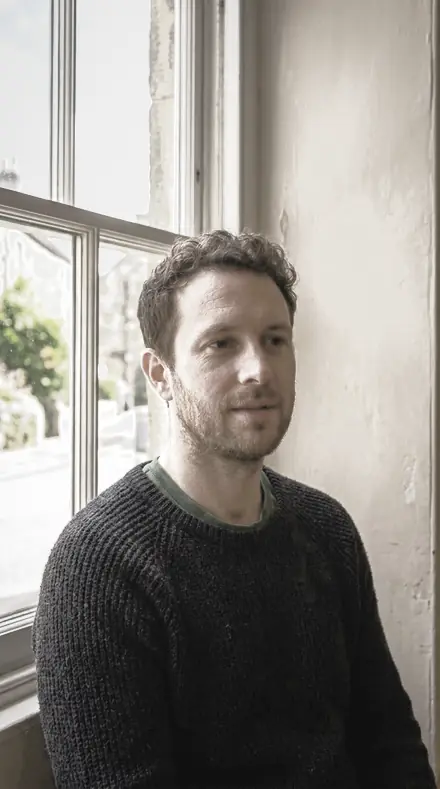 frame 12Smooth Facepores and fine detail eased back for a smooth editorial tone, the face reading as one soft surface
![Smooth Face applied to Side light, skin evened]()
![Before: Side light, skin evened]()
Side light, skin evened ![Smooth Face applied to A face, base applied]()
![Before: A face, base applied]()
A face, base applied ![Smooth Face applied to The mirror, high key]()
![Before: The mirror, high key]()
The mirror, high key ![Smooth Face applied to Curtain light, kept clean]()
![Before: Curtain light, kept clean]()
Curtain light, kept clean Drag the handle. Left is the original, right is Smooth Face. Rendered from the preset's own settings, not a Lightroom export, so the real thing carries a little more bite.
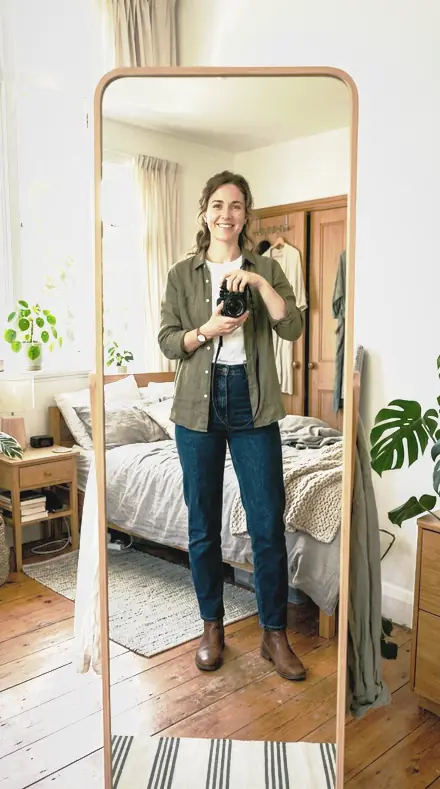
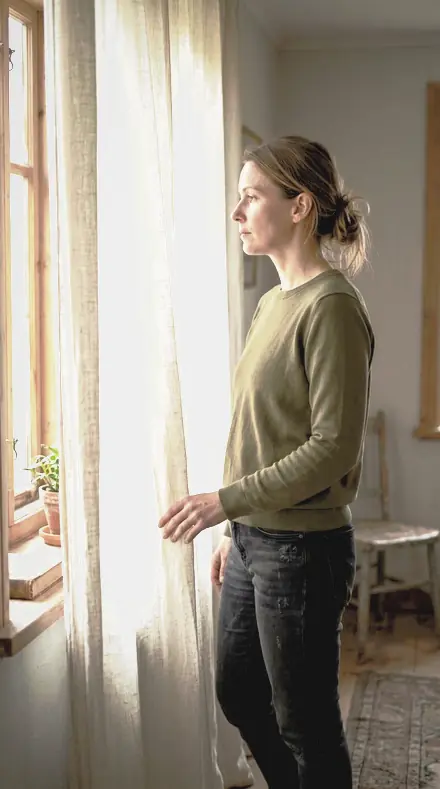
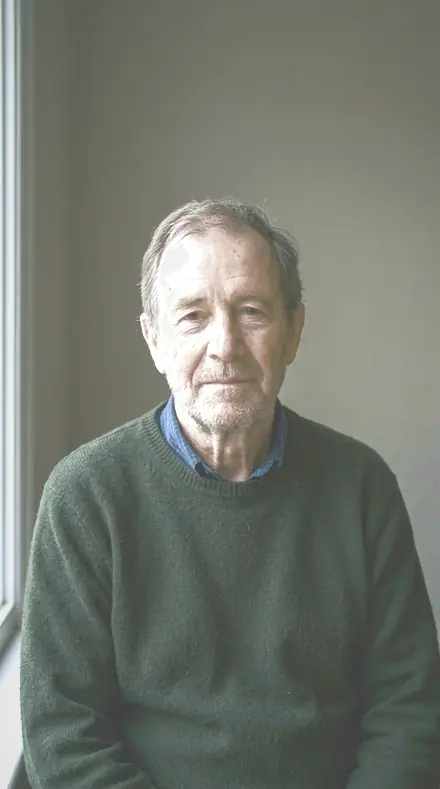
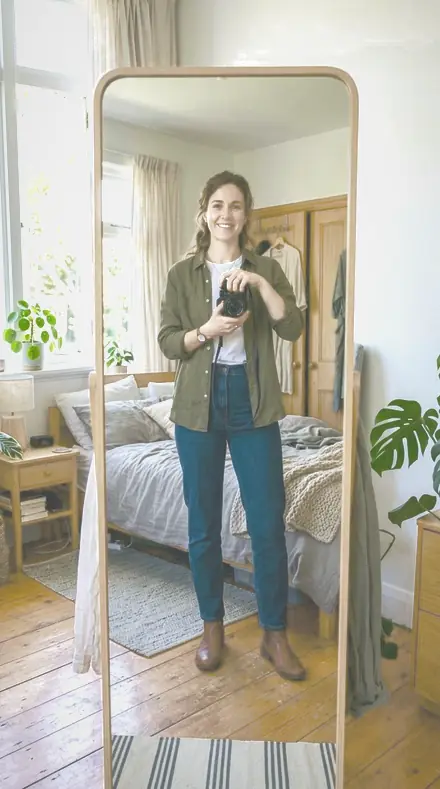
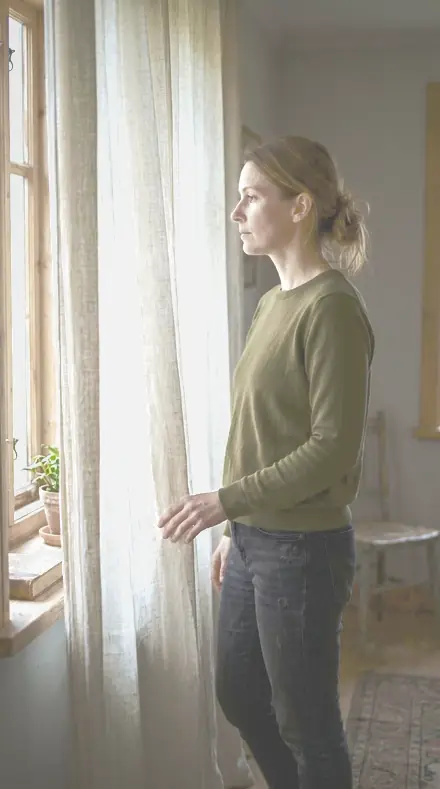
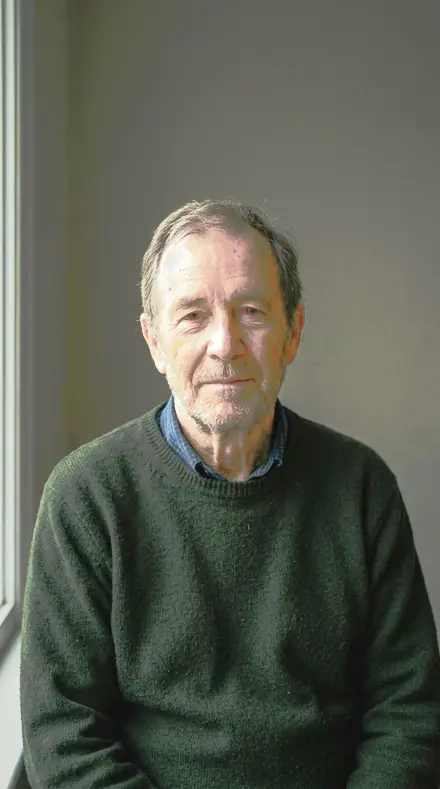
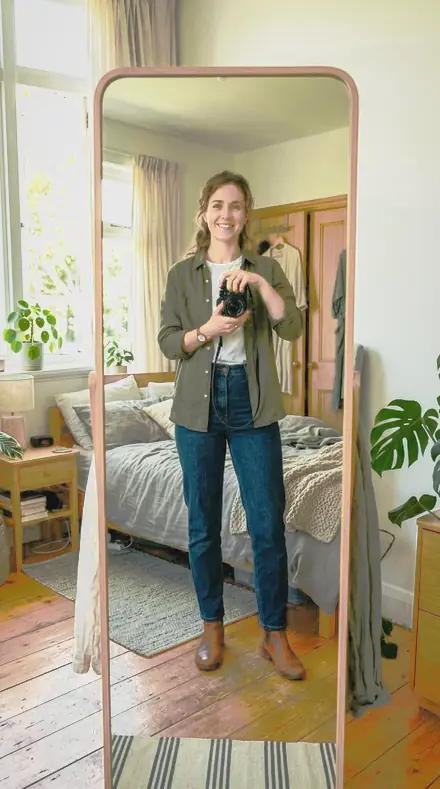
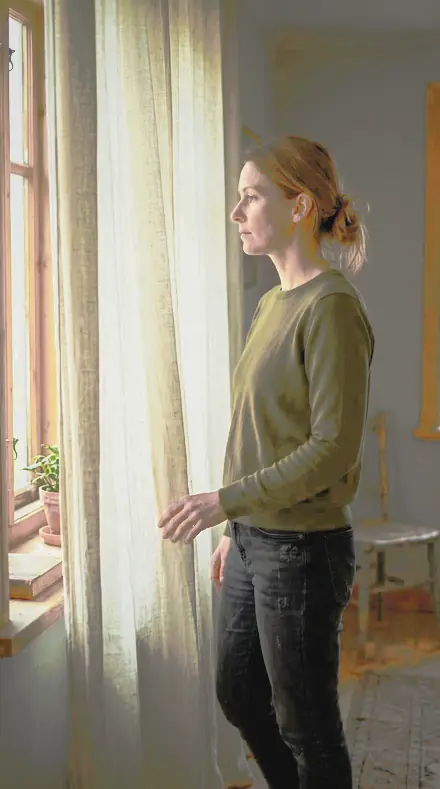
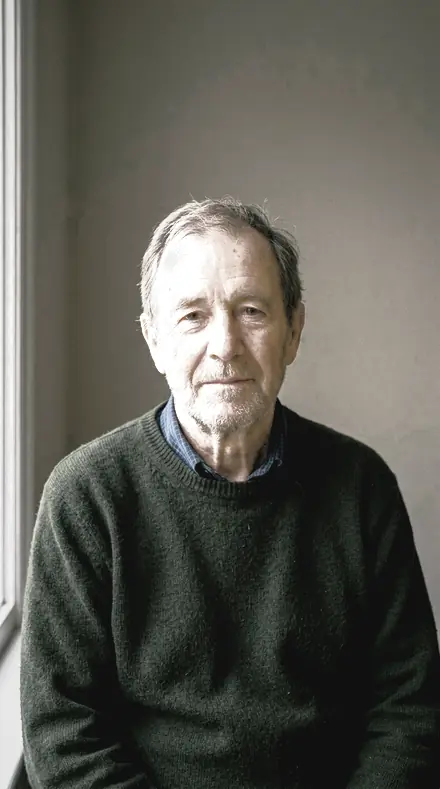
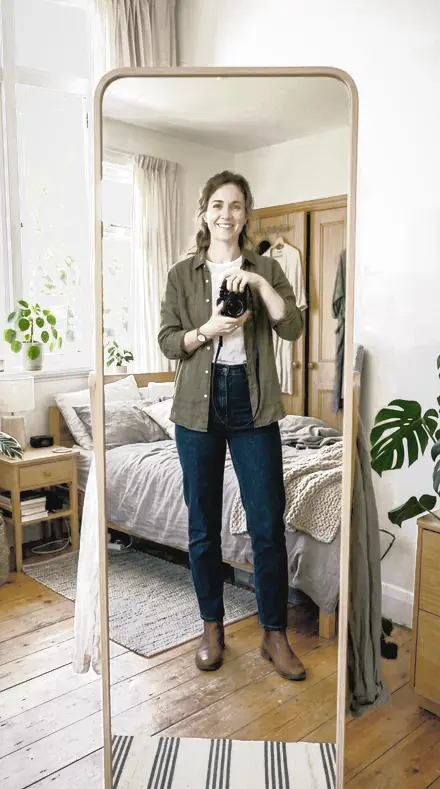
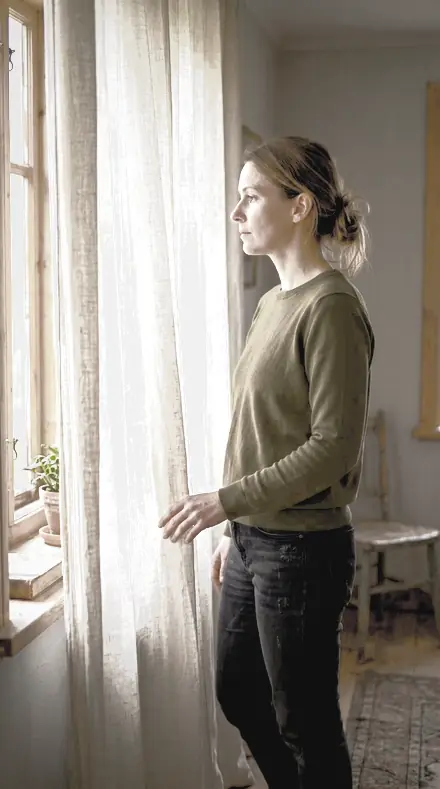
Detail and colour
6 presetsLashes kept crisp, red drawn out of the skin, tone nudged to a cosmetic's swatch.
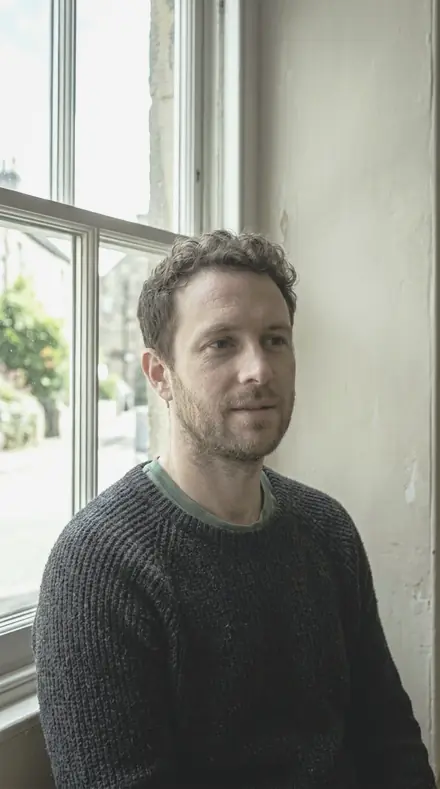 frame 02Precise Huethe bright patch a beauty dish leaves on the cheekbone is brought back into the skin, so no part of the face reads as a hot spot
![Precise Hue applied to Side light, skin evened]()
![Before: Side light, skin evened]()
Side light, skin evened ![Precise Hue applied to A face, base applied]()
![Before: A face, base applied]()
A face, base applied ![Precise Hue applied to The mirror, high key]()
![Before: The mirror, high key]()
The mirror, high key ![Precise Hue applied to Curtain light, kept clean]()
![Before: Curtain light, kept clean]()
Curtain light, kept clean Drag the handle. Left is the original, right is Precise Hue. Rendered from the preset's own settings, not a Lightroom export, so the real thing carries a little more bite.
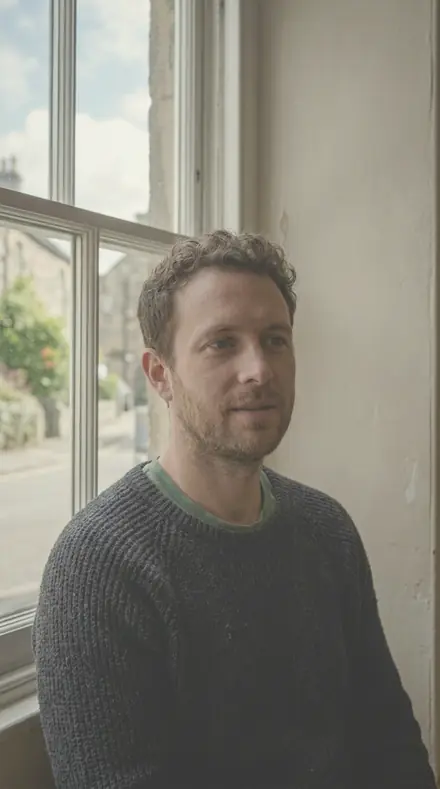 frame 10Soft Editorialred is drawn out of the skin so the lips are the only red left in the frame
![Soft Editorial applied to Side light, skin evened]()
![Before: Side light, skin evened]()
Side light, skin evened ![Soft Editorial applied to A face, base applied]()
![Before: A face, base applied]()
A face, base applied ![Soft Editorial applied to The mirror, high key]()
![Before: The mirror, high key]()
The mirror, high key ![Soft Editorial applied to Curtain light, kept clean]()
![Before: Curtain light, kept clean]()
Curtain light, kept clean Drag the handle. Left is the original, right is Soft Editorial. Rendered from the preset's own settings, not a Lightroom export, so the real thing carries a little more bite.
 frame 13Bright Beautylashes and brows stay crisp inside a face that has been softened around them
![Bright Beauty applied to Side light, skin evened]()
![Before: Side light, skin evened]()
Side light, skin evened ![Bright Beauty applied to A face, base applied]()
![Before: A face, base applied]()
A face, base applied ![Bright Beauty applied to The mirror, high key]()
![Before: The mirror, high key]()
The mirror, high key ![Bright Beauty applied to Curtain light, kept clean]()
![Before: Curtain light, kept clean]()
Curtain light, kept clean Drag the handle. Left is the original, right is Bright Beauty. Rendered from the preset's own settings, not a Lightroom export, so the real thing carries a little more bite.
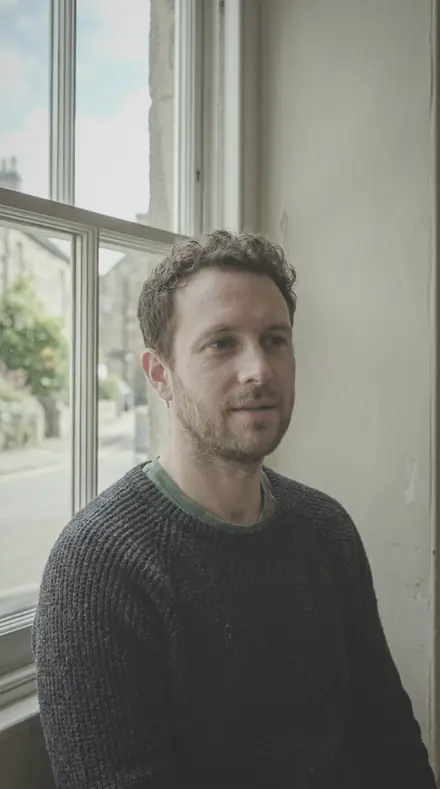 frame 14Editorial Skinthe mouth lifted alongside the skin, so the lips never sit darker than the cheek beside them
![Editorial Skin applied to Side light, skin evened]()
![Before: Side light, skin evened]()
Side light, skin evened ![Editorial Skin applied to A face, base applied]()
![Before: A face, base applied]()
A face, base applied ![Editorial Skin applied to The mirror, high key]()
![Before: The mirror, high key]()
The mirror, high key ![Editorial Skin applied to Curtain light, kept clean]()
![Before: Curtain light, kept clean]()
Curtain light, kept clean Drag the handle. Left is the original, right is Editorial Skin. Rendered from the preset's own settings, not a Lightroom export, so the real thing carries a little more bite.
 frame 15Smooth Tonemakeup colour comes forward while the skin itself stays quiet, for a frame where the product is the point
![Smooth Tone applied to Side light, skin evened]()
![Before: Side light, skin evened]()
Side light, skin evened ![Smooth Tone applied to A face, base applied]()
![Before: A face, base applied]()
A face, base applied ![Smooth Tone applied to The mirror, high key]()
![Before: The mirror, high key]()
The mirror, high key ![Smooth Tone applied to Curtain light, kept clean]()
![Before: Curtain light, kept clean]()
Curtain light, kept clean Drag the handle. Left is the original, right is Smooth Tone. Rendered from the preset's own settings, not a Lightroom export, so the real thing carries a little more bite.
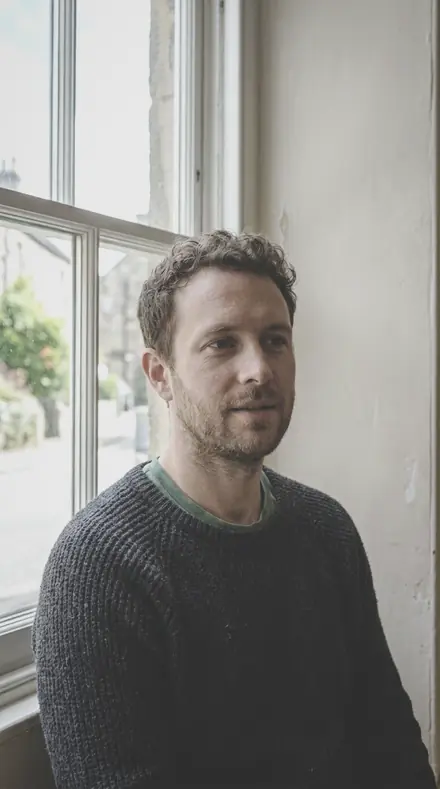 frame 17Cover Faceskin colour nudged toward a chosen shade, for a shoot that has to match a cosmetic's own colour swatch
![Cover Face applied to Side light, skin evened]()
![Before: Side light, skin evened]()
Side light, skin evened ![Cover Face applied to A face, base applied]()
![Before: A face, base applied]()
A face, base applied ![Cover Face applied to The mirror, high key]()
![Before: The mirror, high key]()
The mirror, high key ![Cover Face applied to Curtain light, kept clean]()
![Before: Curtain light, kept clean]()
Curtain light, kept clean Drag the handle. Left is the original, right is Cover Face. Rendered from the preset's own settings, not a Lightroom export, so the real thing carries a little more bite.

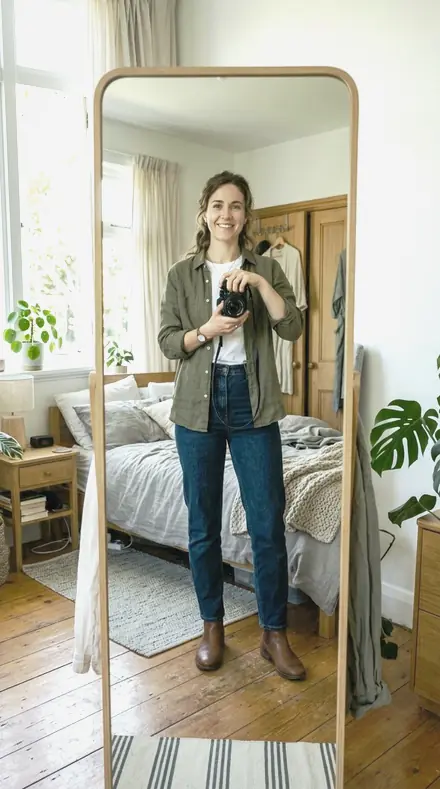
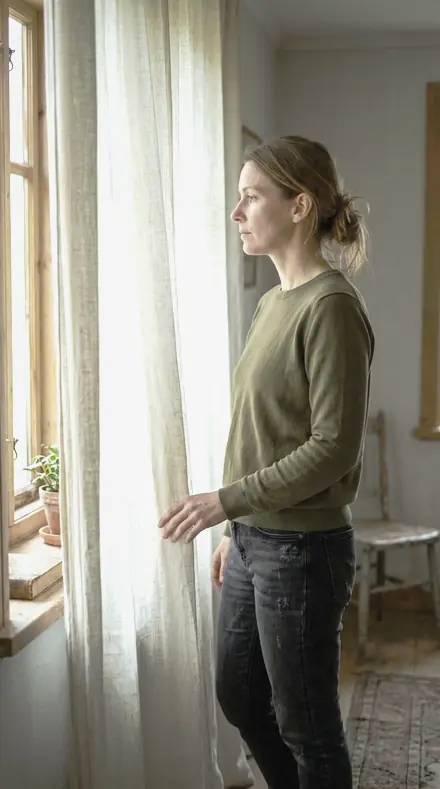
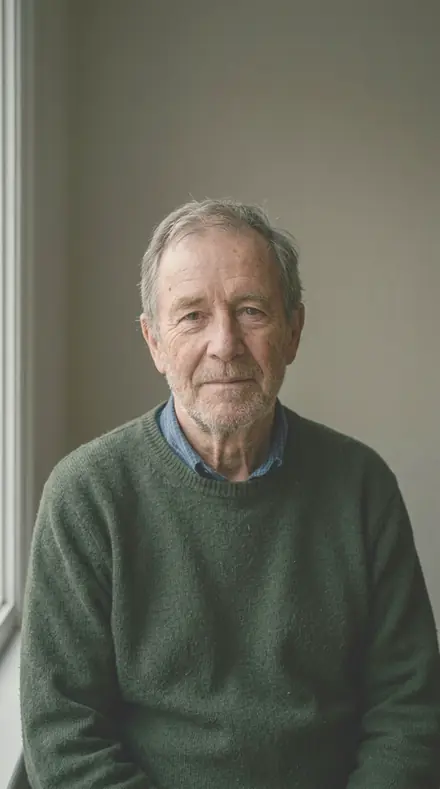
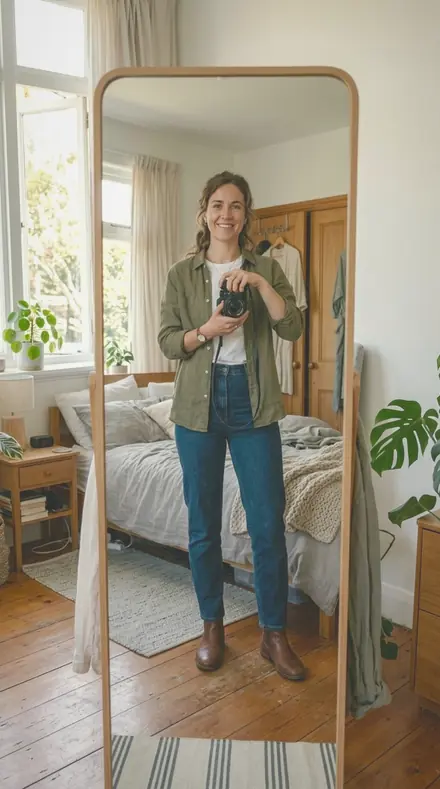
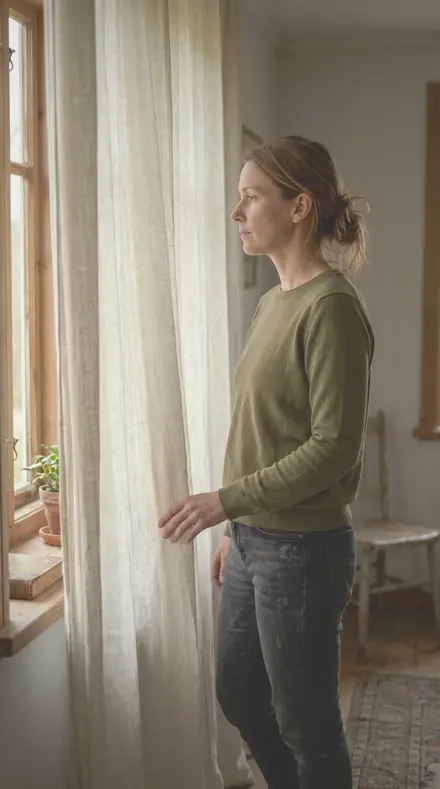

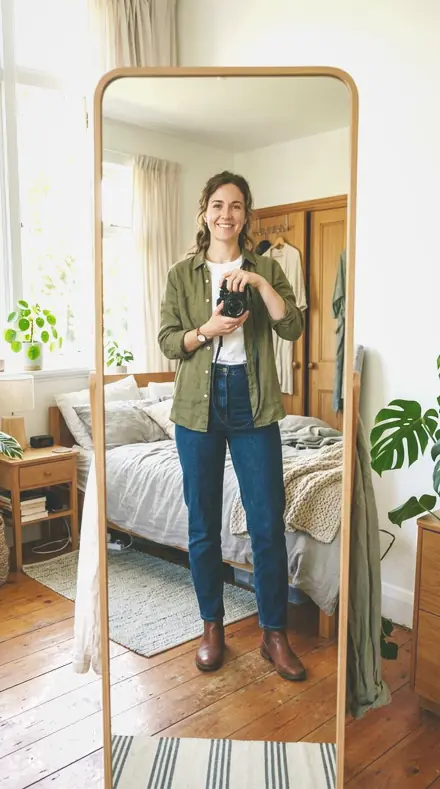
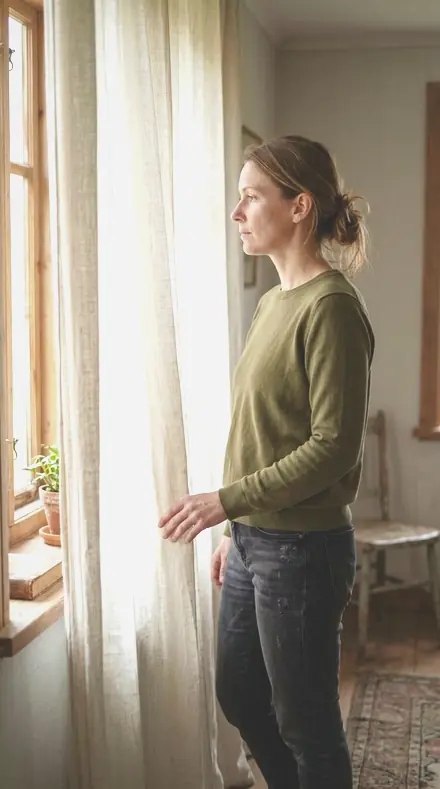
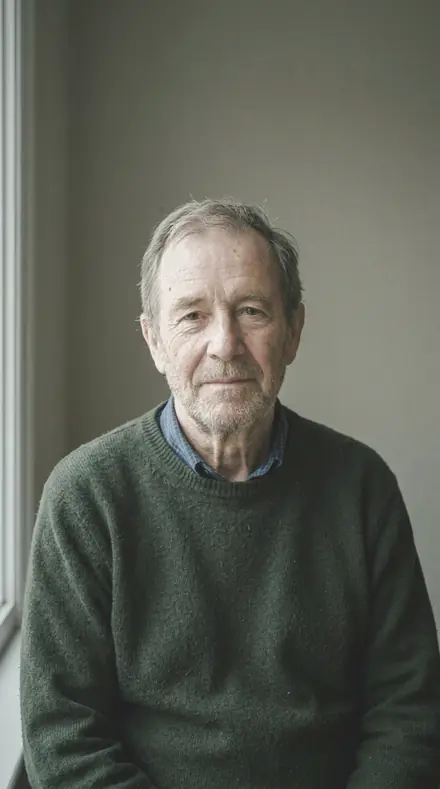
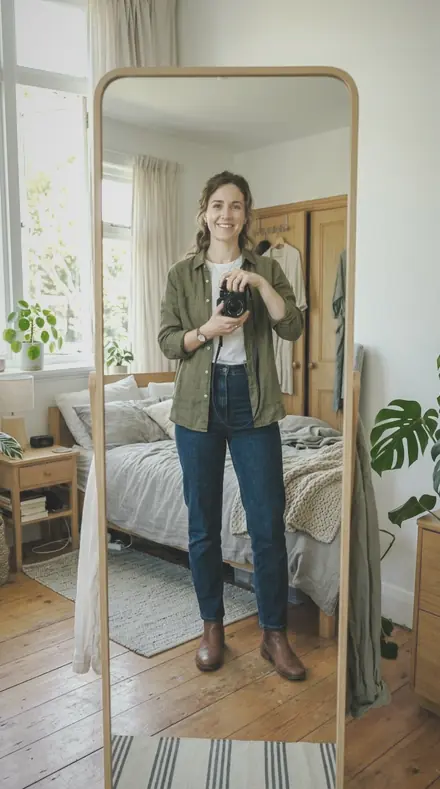
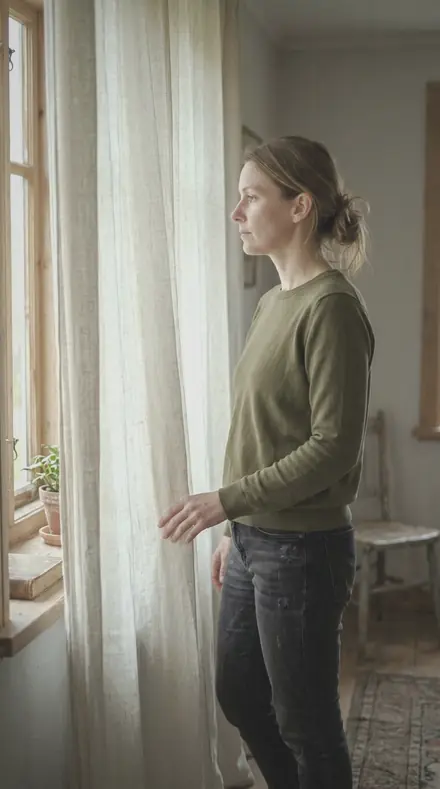
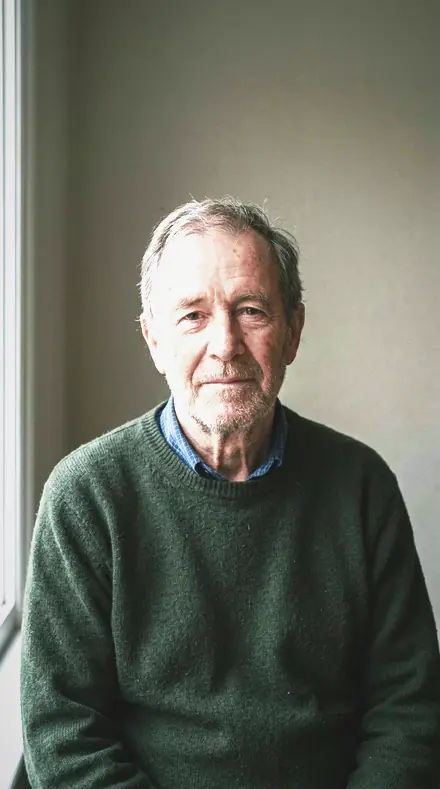
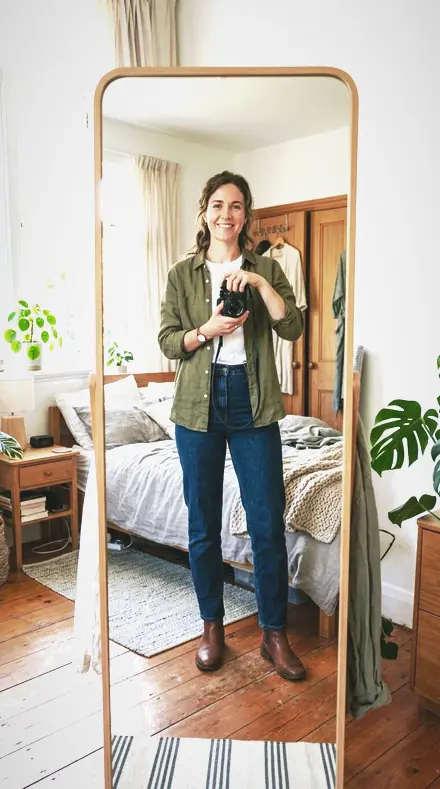
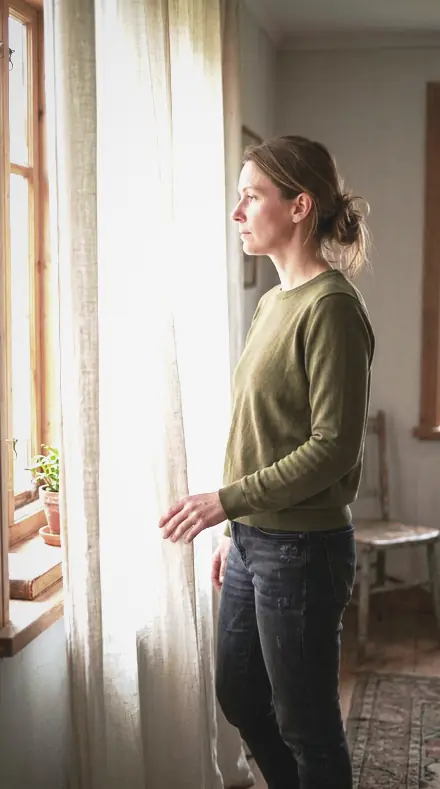

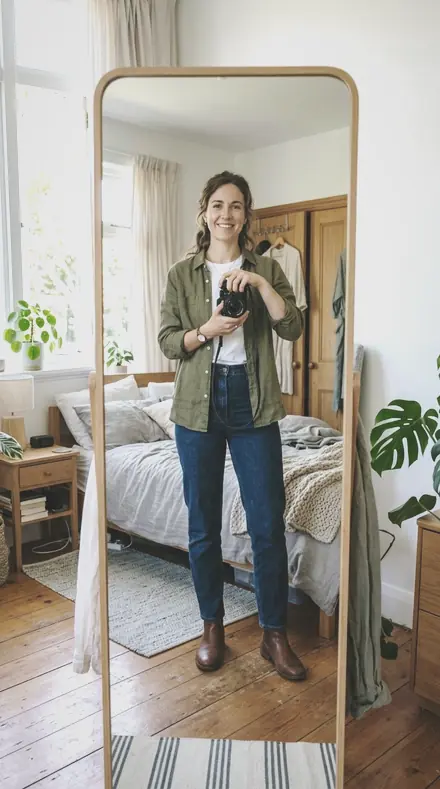
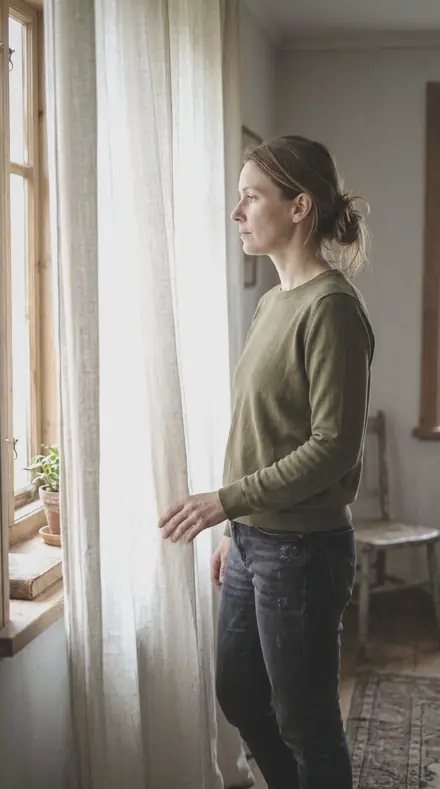
Every preset here is a base, not a finish. It sets the skin bright and even, eases fine texture, and leaves the file ready for the frequency work that follows. Nothing is pushed so far that it cannot be taken back.
The sheet runs in three rows. Base holds the starting points: the everyday beauty file, the gentle pass for work already retouched, the heavy clean-up for a file that arrived hard and punchy. Lift takes the skin up toward white paper, from a clamshell match to a full-page close crop. Detail and colour keep lashes and brows crisp, draw the red out of the skin so the lips own it, and nudge tone to a cosmetic's own swatch.
Pick the row that matches the brief, apply, then work. The sliders stay open.
how it works
Yours in two minutes
- Buy the setCheckout takes a card; you get a receipt by email.
- Download instantlyThe preset files download right after payment. Re-download any time from your account.
- Import to LightroomOpen the files in the free Lightroom app (iOS or Android) or Lightroom Classic. Lightroom saves them as presets automatically.
- Tap a presetOne tap applies the full look. Every setting stays editable after.
- Single-user license. Yours to use in personal and client work.
- No redistribution. Don't resell or share the preset files themselves.
- Free app is enough. No Adobe subscription needed for Lightroom mobile.
- Keep it forever. Files live in your account for re-download.

the maker
Why I Make These
I am Netzah Elad Topaz. I take photographs and I build software, and the two keep leading me back to the same problem. You were there. The light was doing something you will not see again. Then the photo comes back flat, and it is not what you were looking at.
Closing that gap is the whole job. Every preset here is built from Adobe defaults by hand, with a written note for what it should do to a picture, and it is judged on real photographs before it ships. Nothing is a filter dropped on top of your work.
What I want is simple. You open a photo you almost gave up on, you tap once, and there it is: the day you remember, not the file your camera handed you. That is worth doing properly.
Netzah Elad Topaz, photographer and software builder
get it
Get Beauty Clean
Beauty Clean
$79.99
All 18 presets · one-time payment · instant download
Works in the free Lightroom app · keep forever
Instant download after payment. The download link is also sent to your email and stays available in your account.
questions
Asked and Answered
Is this a retouching preset?
No. It is the base a retoucher starts from: skin evened, tone lifted, texture eased. Frequency separation, dodge and burn and cleanup still happen after it, in whatever tool you use.
Will it smooth skin into plastic?
The set is built to stop short of that. Polished Skin keeps the deepest tones where they were shot for exactly this reason; Bright Beauty keeps lashes and brows crisp inside a softened face.
Do these work in the free Lightroom app?
Yes. Import the .xmp files in the free Lightroom app on iPhone or Android, no subscription needed. They also work in Lightroom Classic and Lightroom on desktop.
What exactly do I get?
All 18 presets from Beauty Clean as .xmp files in an instant ZIP download. The link also lands in your email, and the purchase stays in your account so you can re-download any time.
How do I install them?
Two minutes: unzip, then import inside Lightroom. The step-by-step guide covers iPhone, Android, and desktop.
Can I use them for client work?
Yes. The single-user license covers personal and commercial photography. The one thing you can't do is share or resell the preset files themselves.
Can I tweak a preset after applying it?
Always. A preset is a starting point; every slider stays yours to adjust.
What if it's not for me?
Before your first download we refund, no questions asked. After a download, sales are final except a technical fault we cannot fix or a duplicate charge. Details on the refunds page.